
When it comes to payment processing, Stripe seems like the default choice for many ecommerce merchants. It’s fairly easy to set up, it has a predictable flat-rate fee structure, and it’s an appropriate option even for the smallest businesses. Also, developers tend to love its extensive documentation.
But it’s actually pretty common for merchants to hit a roadblock with Stripe. Customer support is lacking, to say the least. Reviews on sites like Trustpilot report lengthy wait times and AI, rather than human, responses. And, while it supports scaling to an extent, rapid growth can trigger account holds and freezes. Plus, certain high-risk industries aren’t supported.
So, while Stripe is certainly a leader in ecommerce payments, it doesn’t have a monopoly here. Let’s take a look at some other options that may work out better for your business. Here’s a roundup of the Best Stripe Alternatives for Ecommerce Merchants
The Best Stripe Alternatives At a Glance
| Best For | Online Card Fee | Subscription Fee? | Fast Funding Options | Customer Support | |
| Square | In-person businesses with online stores | 3.3% + $0.30 or 2.9% + $0.30 (differs by plan) | Yes (free plan available) | Instant, same-day | Live chat, email, phone |
| PayPal | Accepting digital wallets | 2.89% + $0.29 | No | Not advertised | Live chat, phone |
| Luqra | Rapid growth | As low as 2.3% + $0.20 | No | Same-day, next-day | Phone, online form |
| Helcim | Volume discounts | Depends on volume | No | Next-day | Support ticket, phone, email |
| Finix | Subscription-based pricing | Interchange + $0.15 | Yes, $250+/mo | Same-day, instant |
Square: Best for In-Person Businesses with Online Stores

Square is up there with Stripe as one of the most recognizable processors on the market. You might think of it as being mainly for in-person businesses, and while these types of businesses are certainly a large part of its customer base, Square is solid for ecommerce, too. All of its plans come with the ability to create an SEO-friendly online store.
Fees and Pricing
Unlike Stripe, Square requires you to sign up for one of three plans. Depending on which plan you choose, you may incur a monthly subscription fee, but there is a free plan available, too. Square uses flat-rate pricing, but the specific rates vary depending on which plan you have. Here’s a look:
- Square Free:
- Online: 3.3% + $0.30
- In-Person: 2.6% + $0.15
- Square Plus ($49/mo/location):
- Online: 2.9% + $0.30
- In-Person: 2.5% + $0.15
- Square Premium ($149/mo/location):
- Online: 2.9% + $0.30
- In-Person: 2.4% + $0.15
The plans also vary when it comes to other features, but the processing fees are the main differentiator.
Funding Time
With Square’s standard transfer schedule, funds arrive the next business day. This is the timeline that all Square merchants start out with. However, there are other timelines available, too, like instant transfer and same-day transfer. Note that if you’re using either of these accelerated options, there’s a 1.95% fee per transfer along with transaction limits.
Integrations
The Square App Marketplace has hundreds of app integrations. These cover a range of business functions, like accounting, ecommerce, inventory management, marketing, and payroll.
Customer Support
The plan you’re on determines which customer support options you can access. All plans come with chat and email support, but phone support varies. On Square Free, you only get phone support for the first 90 days, which is from 6 AM to 6 PM PT, Monday through Friday. Square Plus gets phone support indefinitely, with the same daily schedule as Square Free, while Square Premium has 24/7 phone support.
Pros
- Free plan available
- Hundreds of app integrations
- Offers chat, email, and phone support
Cons
- More of a focus on in-person payment processing
- Transaction fees on Square Free are somewhat high
- No phone support until you hit the highest-tier plan
PayPal Enterprise Payments: Best for Accepting Digital Wallets
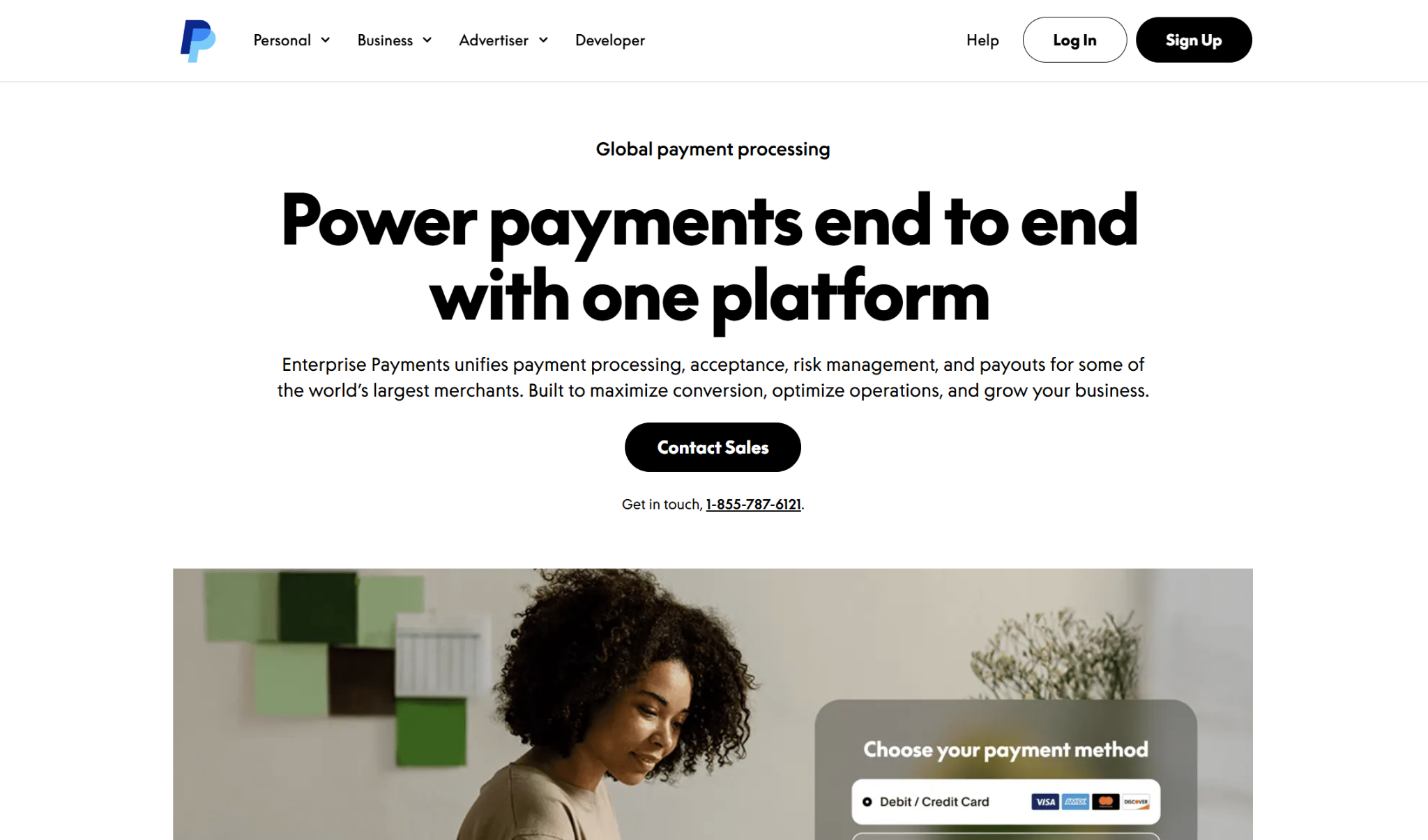
PayPal is another name you’ve undoubtedly heard of, with PayPal Enterprise Payments commonly used by both online and in-person business, large and small. Formerly known as Braintree, it’s great for processing payments from customers worldwide, and like Stripe, it’s highly developer-friendly.
Fees and Pricing
Here are the typical fees for using PayPal Enterprise Payments:
- Cards and third-party digital wallets: 2.89% + $0.29
- International cards: Additional 1%
- Non-USD currency: Additional 1%
- PayPal Checkout: 3.49% + fixed fee (currency-dependent, $0.49 USD)
- Venmo: 3.49% + $0.49
Depending on your volume and business model, your business might qualify for custom flat rates or interchange-plus pricing.
Funding Time
It usually takes between two and five business days for credit card payments to hit your bank account. When customers pay with a PayPal wallet, these transactions are sent to your PayPal Business Account balance. The previous day’s transactions are sent from your PayPal Business Account to your bank account in two to three business days.
Integrations
PayPal has a partner directory that lists its third-party integrations, of which there are many. The integrations span solutions for ecommerce stores, marketplaces, accounting, recurring payments, business operations, nonprofits, bill pay, in-person payment collection, developers, and fundraising.
Customer Support
The main way to get in touch with PayPal’s support team is through live chat, though phone support is also available. The quickest way to access support is through the PayPal Assistant, but this is an AI-driven tool. PayPal customers have reported similar issues to Stripe — despite the support options advertised, it can take a long time to connect to a human.
Pros
- Predictable, flat-rate standard fee structure
- Less expensive than some competitors
- Can accept plenty of payment methods
Cons
- Doesn’t advertise fast funding options
- Can be difficult to get in touch with customer support
- Interchange-plus pricing not available to all businesses
Luqra: Best for Rapid Growth
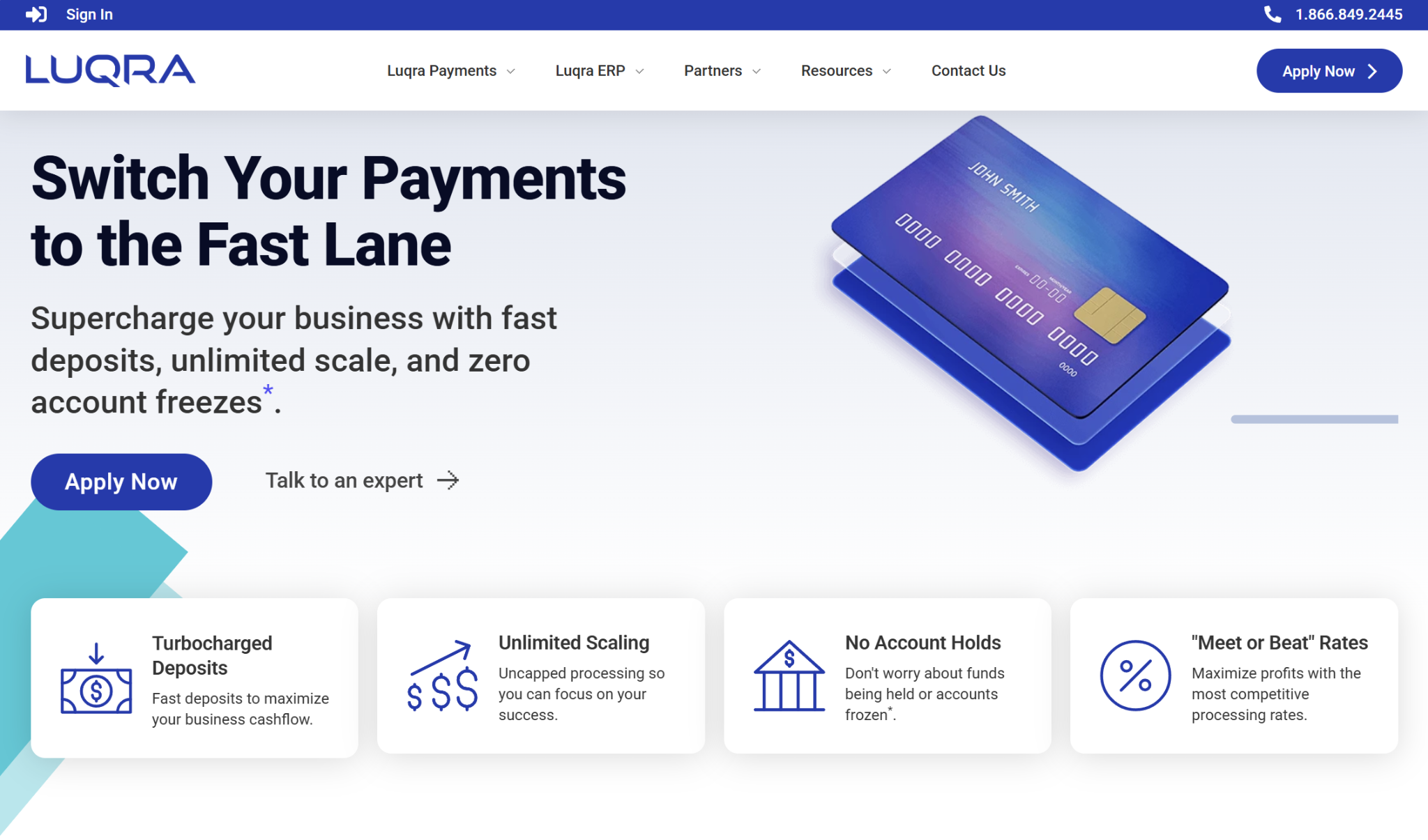
While much smaller than Stripe or PayPal, Luqra has proven itself to be a suitable choice for many ecommerce merchants. It promotes unlimited scaling with no account holds or frozen funds, which are issues that many Stripe users have run into. Also, while it’s not exclusively a high-risk processor, it frequently works with businesses in these types of industries, with examples being telemedicine, nutraceuticals, vape, and travel.
Fees and Pricing
Luqra advertises “meet or beat” rates and says they won’t increase, so if you’re seeking something with low fees, it could be worth checking out. While the exact fees you’ll face will be customized to your business, here are the basics:
- Online: As low as 2.3% + $0.20
- In-Person: As low as 2.0% + $0.10
If you want to pass fees on to your customers instead, you can do so through Luqra’s Cash Discount Program, which is $99 monthly.
Funding Time
Not all businesses will qualify, but those that do can access fast funding times, like next-day and same-day funding.
Integrations
Currently, Luqra has 24 third-party app integrations. Many of these are ecommerce-specific, such as Shopify, WooCommerce, BigCommerce, and Magento. However, some of the other integrations include platforms like Salesforce, DocuSign, and Zoho CRM.
Customer Support
One advantage of Luqra being a relatively small processor is that its customer support is highly personalized, with many of their team members having hands-on experience running their own ecommerce stores. The best way to reach Luqra’s support team is via phone — the company has 24/7/365, U.S.-based phone support. However, you can also fill out an online form.
Pros
- Less expensive than some alternatives
- Fast funding options
- 24/7/365, U.S.-based phone support
Cons
- Not a widely-known processor
- Limited number of integrations
- No live chat support
Helcim: Best for Volume Discounts
Helcim is another choice that many dissatisfied Stripe users end up using once they move off the platform. While it’s often used for in-person payment collection and sells its own hardware options, Helcim is also well-equipped for ecommerce. You can quickly set up a no-code store. Plus, one of Helcim’s unique selling points is its Contract Buyout Program, which covers up to $500 in early termination fees when switching from another processor.
Fees and Pricing
Helcim uses interchange-plus pricing, with rates dependent on your monthly credit card volume:
- Online:
- $0 – $50,000: Interchange + $0.5% + $0.25
- $50,000 – $100,000: Interchange + 0.45% + $0.20
- $100,000 – $500,000: Interchange + 0.35% + $0.20
- $500,000 – $1,000,000: Interchange + 0.25% + $0.15
- $1,000,000 – $5,000,000: Interchange + 0.15% + $0.15
- $5,000,000+: Custom pricing
- In-Person:
- $0 – $50,000: Interchange + 0.40% + $0.08
- $50,000 – $100,000: Interchange + 0.35% + $0.07
- $100,000 – $500,000: Interchange + 0.25% + $0.07
- $500,000 – $1,000,000: Interchange + 0.20% + $0.06
- $1,000,000 – $5,000,000: Interchange + 0.15% + $0.06
- $5,000,000+: Custom pricing
Helcim also supports surcharging, so you can pass credit card fees onto your customers.
Funding Time
Helcim’s standard payout time for credit card transactions is 1 to 2 business days after your batch settles. It also offers Faster Deposits, which delivers funds the next business day for no additional fee.
Integrations
Helcim promotes over 70 app integrations, but many of them are not yet live and are instead listed as “Coming Soon.” The integrations cover areas like accounting, booking, billing, project management, and ecommerce, and there are solutions for niche industries like healthcare and automotive.
Customer Support
If you need to contact Helcim support, you can so do by creating a support ticket or by calling their support team. Helcim says it will respond to tickets within 12 business hours, and phones operate Monday through Saturday. There’s also a dedicated support email if preferred.
Pros
- Interchange-plus pricing keeps fees low
- No additional fee for faster deposits
- Offers phone support
Cons
- More of a focus on in-person processing
- Limited number of integrations
- No same-day funding
Finix: Best for Subscription-Based Pricing
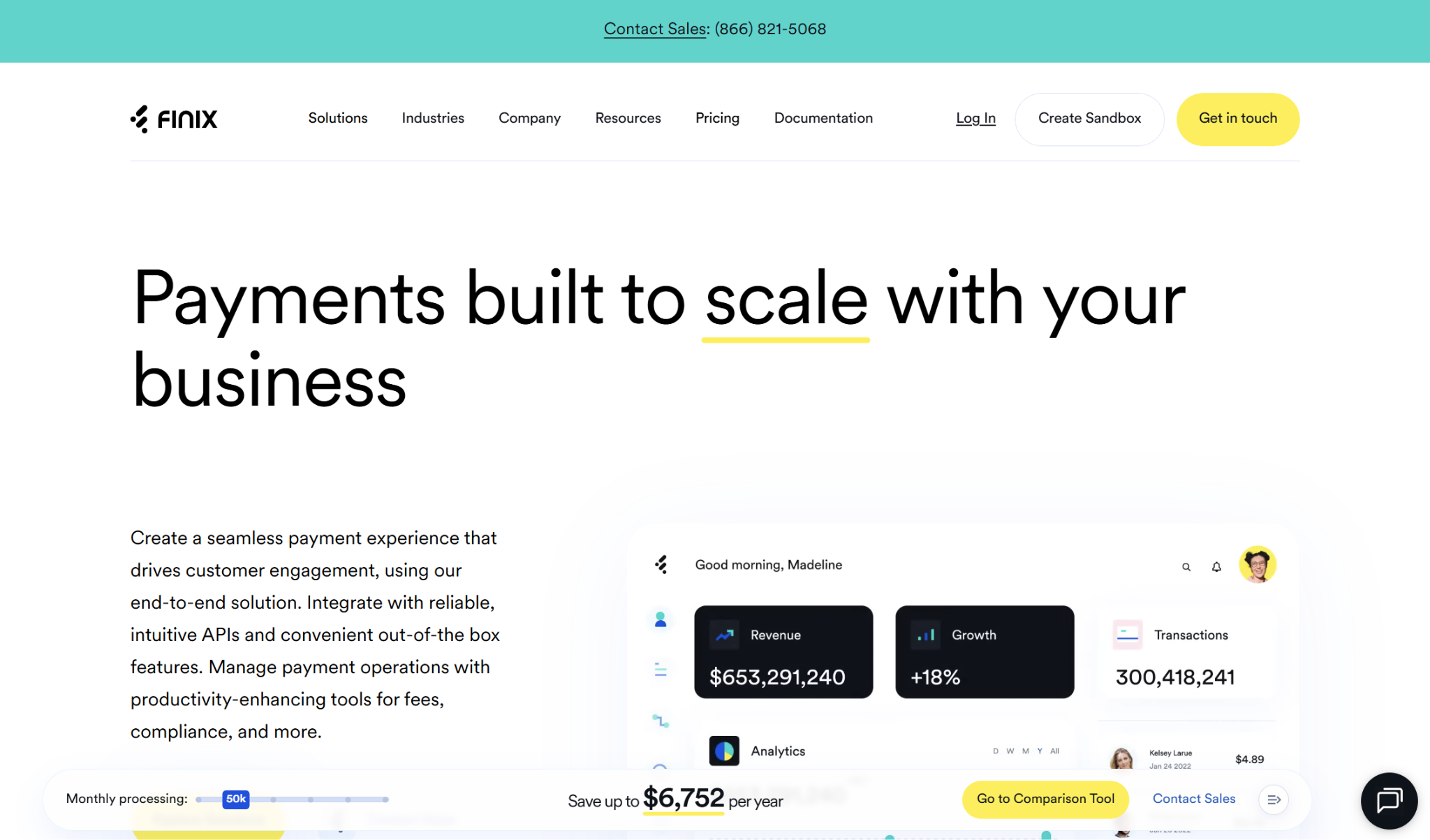
While it may not be a household name, Finix is a strong choice for growing ecommerce businesses. While its subscription-based cost structure will be too expensive for the smallest storefronts, depending on your processing volume, it could save you thousands in fees. And like Stripe, it has in-depth developer documentation. Finix also supports businesses in certain traditionally high-risk industries like CBD, nutraceuticals, digital wallets, and iGaming.
Fees and Pricing
If you want to use Finix, prepare to pay a monthly fee, which starts at $250. Otherwise, the transaction fees are:
- Online: Interchange + $0.15
- In-Person: Interchange + $0.08
If your business processes over $1 million annually, you can access custom pricing instead.
Funding Time
When using Finix, the standard funding time is one business day, but it also offers fast payment options like same-day ACH and instant payouts. Instant payouts can deliver funds within seconds.
Integrations
Finix has several app integrations, or plugins, for you to quickly connect with the solutions you need. The plugins include those in categories like CRM, payment orchestration, ecommerce platforms, enterprise commerce, ERP, order management, forms, and compliance.
Customer Support
Finix support takes place through email. There isn’t any phone support, but you can request a callback in your email if needed.
Pros
- Subscription-based pricing can keep costs low when scaling
- Supports certain high-risk industries
- Instant payouts available
Cons
- Not appropriate for the smallest sellers
- No centralized integration marketplace
- No phone support
Choosing the Best Stripe Alternative for Your Business
While Stripe serves many ecommerce merchants well, it’s not always the best choice. If you’re on the hunt for a different solution, some of my top picks are Square, PayPal Enterprise Payments, Luqra, Helcim, and Finix.
If you also run an in-person storefront, Square or Helcim could be worth checking out. PayPal is a great option if you process a lot of digital wallet payments, while Luqra and Finix are equipped for growth and merchants operating in certain high-risk industries.
Of course, it all comes down to your business’s unique needs.