
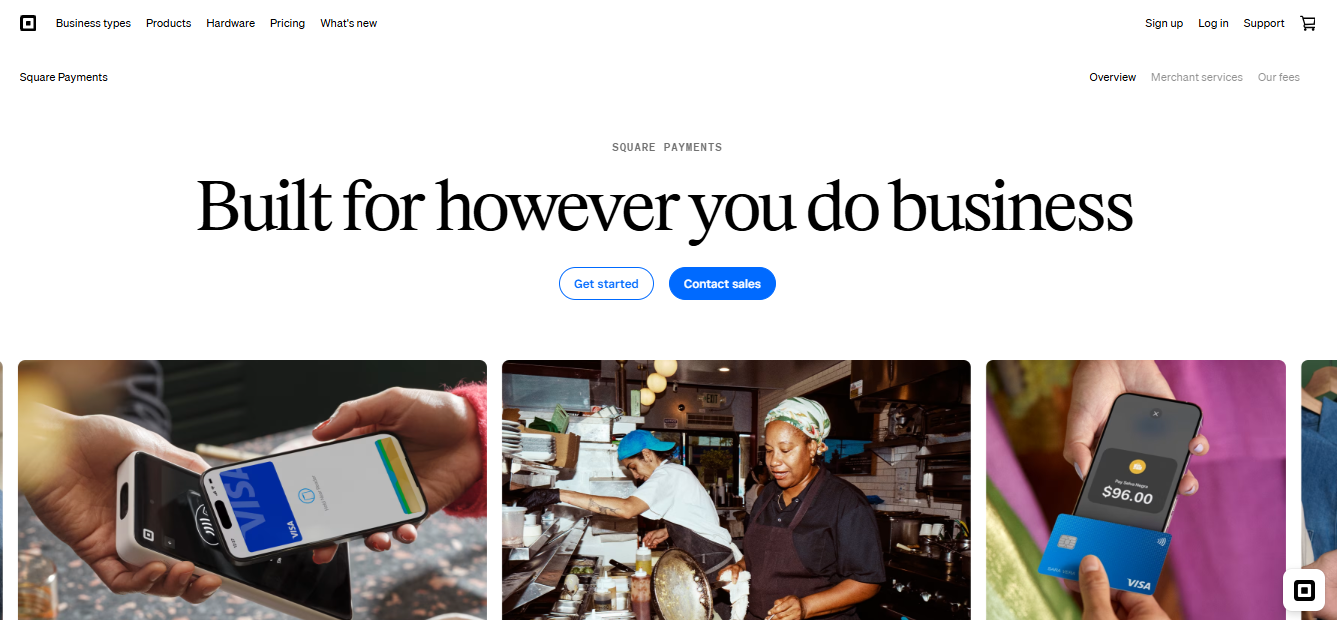
Square is one of the leading payment processors on the market today, and for good reason. It’s a reasonable starting point for many small businesses due to its simple, flat-rate transaction fees and its user-friendly hardware options, including its terminal, register, and card reader.
However, where it shines is in its resources for physical businesses, not online sellers. Ecommerce businesses can technically use it, but in most cases, they would be better off elsewhere. Much of this comes down to pricing. If you’re on Square’s free tier, the online processing fee is a flat 3.3% + $0.30 per transaction, higher than most competitors. The company does offer a lower 2.9% + $0.30 rate, but you’d have to enroll in a monthly subscription to access it. Ultimately, it still isn’t low enough to justify the fee.
Fortunately, there are plenty of alternative payment processors that are better suited to ecommerce. Here are some of my top picks.
Square Payment Alternatives: At a Glance
| Best For | Online Card Fee | Integrations | Customer Support | |
| Stripe | Developers | 2.9% + $0.30 | Hundreds | Live chat, Discord server |
| Luqra | High-risk or scaling businesses | Custom | 20+ | Phone, online form |
| PayPal | Alternative payment methods | 2.99% + $0.49 or 2.89% + $0.29, depending on checkout used | 100+ | Phone, live chat |
| Helcim | Volume discounts | Interchange-plus, dependent on volume | 70+ | Phone, support ticket |
| Stax | Subscription pricing | Interchange + $0.15, monthly subscription required | 20+, can connect with more through Zapier | Phone, live chat, online form |
Stripe: Best for Developers
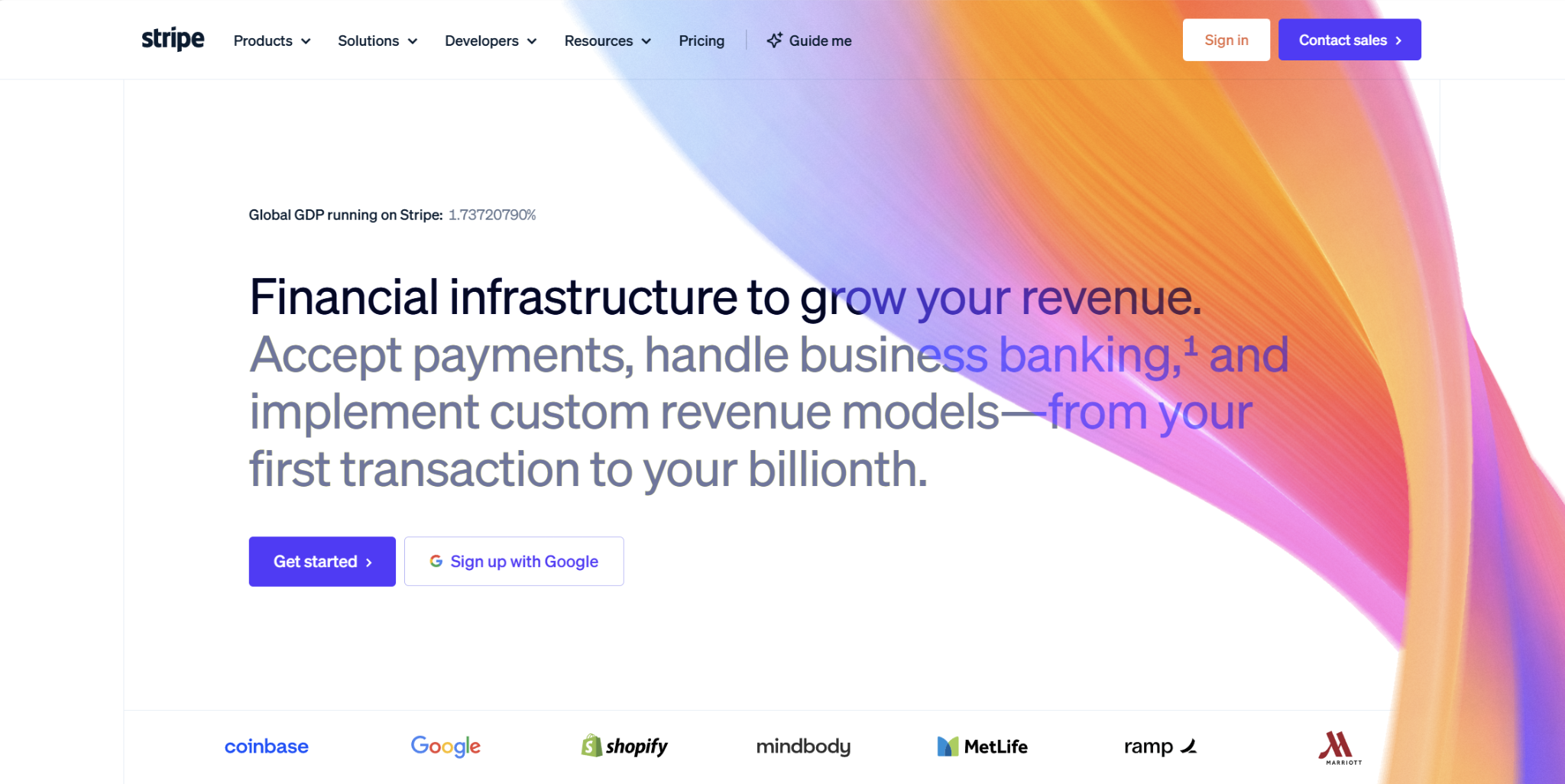
Many online sellers default to using Stripe as their payment processor. Like Square, its standard pricing model is flat-rate, which makes it easy for new sellers to calculate their processing costs.
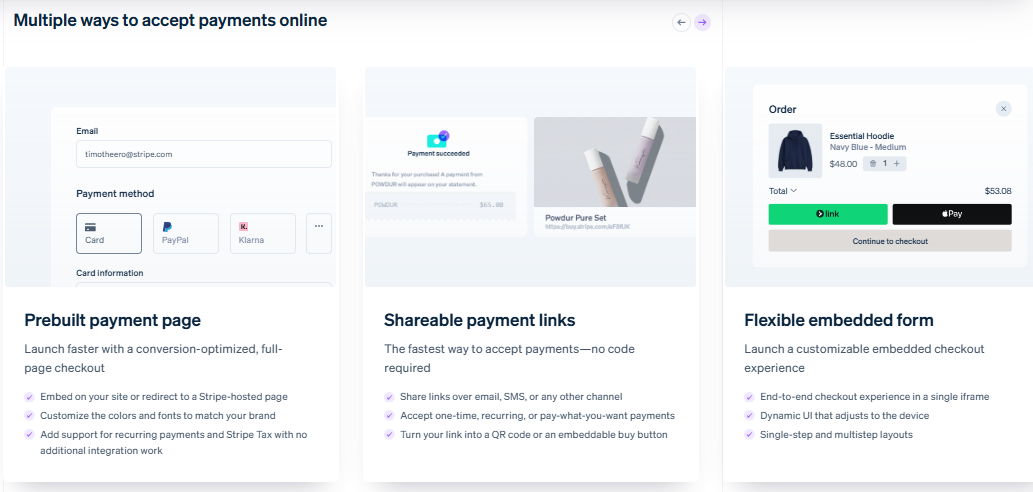
Where it veers from Square is in its focus. While businesses can use Stripe for both online and in-person payment collection, it leans heavily toward ecommerce, being especially popular among developers for its thorough documentation and prebuilt checkout UIs.
Pricing
Under Stripe’s standard pricing, the fee for online card and digital wallet payments is 2.9% + $0.30 per transaction. Additional fees can include:
- 0.5% for manually entered cards
- 1.5% for international cards
- 1% for currency conversion
Certain high-volume or complex businesses may instead qualify for custom pricing, unlocking an interchange-plus cost structure and volume discounts. Stripe does not charge a monthly fee.
Payout Speed
Stripe’s typical payout speed is three business days, though this can vary based on your risk level and location. For example, certain low-risk U.S. businesses may enjoy a payout speed of two business days, while high-risk businesses may need to wait 14 days to receive their funds. However, Stripe also offers next-day settlement and instant payouts, although these both involve additional fees.
Integrations
The Stripe App Marketplace houses hundreds of software integrations spanning categories such as accounting, billing, compliance, analytics, fraud, marketing, productivity, and tax. For ecommerce, some of its integrations include those with Adobe Commerce, Magento, BigCommerce, Shopify, and WooCommerce.
Customer Support
Stripe’s support team is available 24/7, and most support is conducted via live chat. For developers, there is a specialized Discord server. Stripe doesn’t advertise a dedicated customer support phone number or email address on its site.
Pros
- One of the most widely-used online payment processors
- Strong developer documentation
- Many app integrations
Cons
- Standard, flat-rate pricing can be costly
- No dedicated support phone number or email
- Generally not friendly to high-risk businesses
Luqra: Best for High-Risk or Scaling Businesses
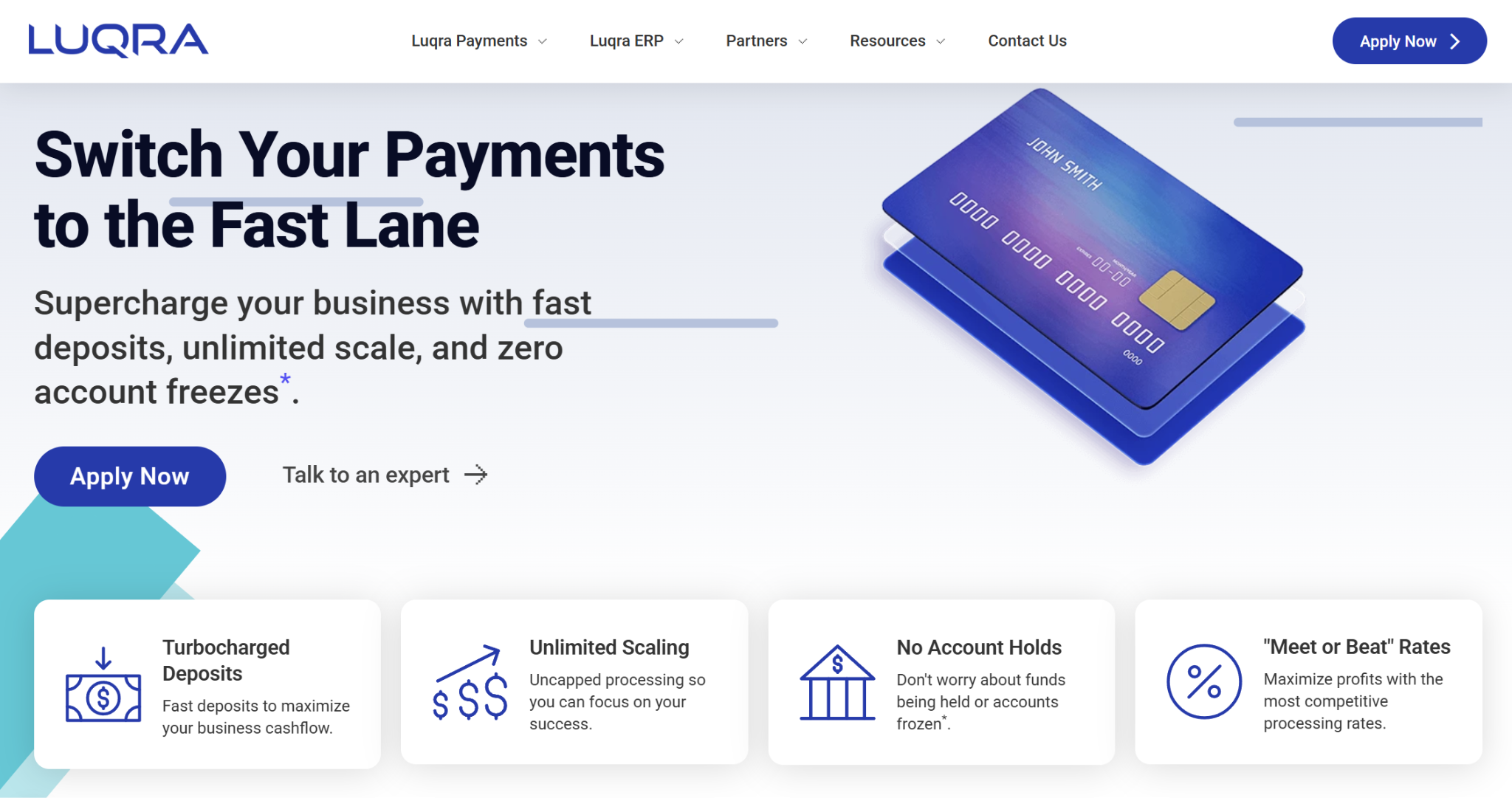
While it’s a smaller name in the payment processing space, Luqra is increasingly gaining traction among ecommerce merchants unsatisfied with mainstream options. It offers dedicated merchant accounts and underwriting, and the company frequently works with rapidly-scaling businesses and those in high-risk industries. These specialties mean that you’d be less likely to have your account shut down or your funds held compared to low-risk processors.
Pricing
Luqra uses custom pricing, supporting several pricing models. It promotes “meet or beat” rates and claims that it won’t ever increase them. It doesn’t charge an annual fee, either.
Optionally, you can pay $99 monthly for Luqra’s cash discount program, which offers customers paying in cash a discount equivalent to the servicing fee.
Payout Speed
Luqra offers fast funding to those who qualify, with options including same-day and next-day payouts.
Integrations
Currently, Luqra integrates with 24 third-party platforms, several of them being ecommerce-specific. BigCommerce, WooCommerce, Magento, Shopify, Ecwid, SamCart, OpenCart, and CheckoutChamp are all supported.
Customer Support
You can contact Luqra’s US-based customer support team 24/7, with options including phone support and an online form. Much of Luqra’s staff has hands-on experience running online stores, and its team is willing to provide support for other areas of your business beyond payments, such as marketing.
Pros
- Friendly to high-risk and scaling businesses
- Competitive, custom pricing
- 24/7 phone support
Cons
- Not as well-known as other processors
- Fewer integrations than some competitors
- No live chat support
PayPal: Best for Alternative Payment Methods
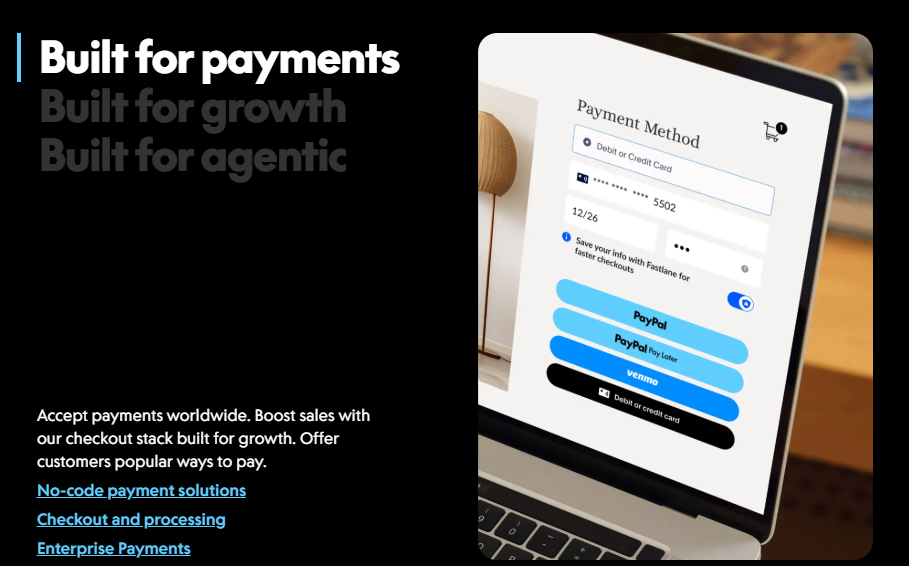
PayPal’s platform covers a wide range of payment needs, both business and personal. The business side is not only for accepting PayPal payments from customers. You can use PayPal to accept credit and debit cards, digital wallets, deferred payments, bank transfers, vouchers, and crypto. Like Stripe, PayPal maintains in-depth developer documentation for custom checkouts and more.
Pricing
The transaction fee for online payments depends on which checkout you’re using: PayPal Checkout or PayPal Expanded Checkout. PayPal Checkout is a simpler setup, while Expanded Checkout accepts more payment methods and has increased customizability.
The per-transaction fees for online card payments are:
- PayPal Checkout: 2.99% + $0.49
- PayPal Expanded Checkout: 2.89% + $0.29
High-volume merchants may qualify for custom, interchange-plus pricing rather than flat-rate.
Payout Speed
Funds will be available in your PayPal Business account within minutes. From there, you can transfer them to your bank account, which takes between one and three business days. You may also be able to complete an instant transfer within minutes, though there is an additional fee.
Integrations
PayPal Business has over 100 partner solutions, which are its third-party integrations. These cover categories like accounting, bill pay, business operations, and recurring payments. It also integrates with many of the top ecommerce platforms, such as Adobe Commerce, BigCommerce, Bold Checkout, Cart.com, CheckoutChamp, Ecwid, nopCommerce, OpenCart, Shopify, and WooCommerce.
Customer Support
PayPal has an extensive help center, with articles covering many common questions. For personalized support, PayPal offers live chat. There is also phone support available seven days per week from 6 AM to 6 PM PST.
Pros
- Supports a variety of payment methods
- Plenty of integrations
- Strong developer documentation
Cons
- No 24/7 support
- Flat-rate pricing can be costly
- Not the best choice for high-risk businesses
Helcim: Best for Volume Discounts
Helcim is a suitable option for both in-person and online payment processing. It has its own terminal and card reader, yet it also has a no-code online checkout tool. Helcim’s developer documentation is strong as well, allowing you to build or update your integrations. It’s popular as an interchange-plus alternative to many of the prominent flat-rate choices. Interchange-plus pricing is viewed as more transparent than flat-rate, and it usually comes out cheaper at higher volumes.
Pricing
For online payments, the transaction fees depend on your monthly credit card volume, as those with higher volumes receive discounted rates. Here are the rates by volume:
- $0 – $50,000: Interchange + 0.50% + $0.25
- $50,000 – $100,000: Interchange + 0.45% + $0.20
- $100,000 – $500,000: Interchange + 0.35% + $0.20
- $500,000 – $1,000,000: Interchange + 0.25% + $0.15
- $1,000,000 – $5,000,000: Interchange + 0.15% + $0.15
- $5,000,000+: Custom rates
If you’d like, you can pass credit card fees onto your customers at no cost to you.
Payout Speed
Usually, funds from credit card transactions arrive in your bank account within one to two business days. Some merchants may qualify for faster deposits, where funds arrive the next business day.
Integrations
Helcim’s site advertises over 70 integrations, though some of them are not yet live, instead listed as “coming soon.” You can filter by industry, such as healthcare, automotive, professional services, or retail, or you can filter by function. Helcim’s integrations cover products in accounting, booking, billing, project management, CRM, and more. Currently, it supports just two ecommerce integrations: Freshline and WooCommerce.
Customer Support
Helcim has an in-house, human support team, with phone support available Monday through Saturday. However, you can also create a support ticket, where you can attach file uploads. Helcim aims to respond to tickets within 12 business hours.
Pros
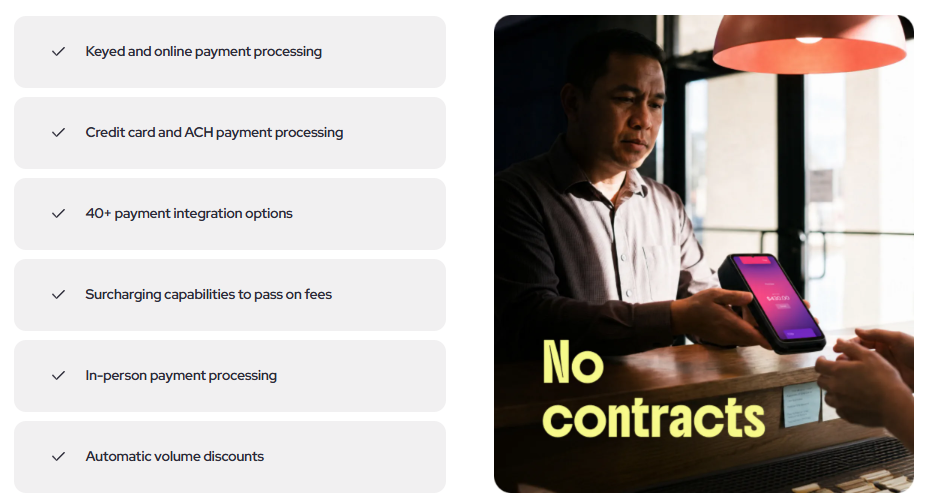
- Interchange-plus pricing with volume discounts
- Can pass card fees onto customers
- Offers phone support
Cons
- No native Shopify integration
- No same-day or instant payout options
- Not appropriate for most high-risk businesses
Stax: Best for Subscription Pricing
Stax is a fintech company with products for payment processing, embedded payments, surcharging, and recurring billing. Stax Pay works with low-risk businesses and supports both online and in-person payment collection. It stands out due to its unique cost structure, as it charges a monthly subscription in exchange for lower transaction fees. This can be an attractive option for businesses that have a high enough processing volume to outweigh the cost.
Pricing
Stax’s monthly subscription fee depends on your annual processing volume:
- Up to $150,000: $99/mo
- $150,000 – $250,000: $139/mo
- $250,000+: $199+/mo
The fee for online payments is $0.15 per transaction, which is on top of interchange.
Payout Speed
The funding timeline can vary by business. Usually, card deposits will arrive on the funding day between 2 PM and 5 PM EST.
Integrations
Stax has around 20 software integrations, with some of them being WooCommerce, Authorize.net, HubSpot, QuickBooks Online, and Xero. However, it offers a Zapier integration, which you can then use to connect with many other apps.
Customer Support
You can contact Stax’s support team over the phone, through live chat, or by filling out an online form. Phone support is available Monday through Friday, from 9 AM to 6 PM EST. You can access live chat support during business hours.
Pros
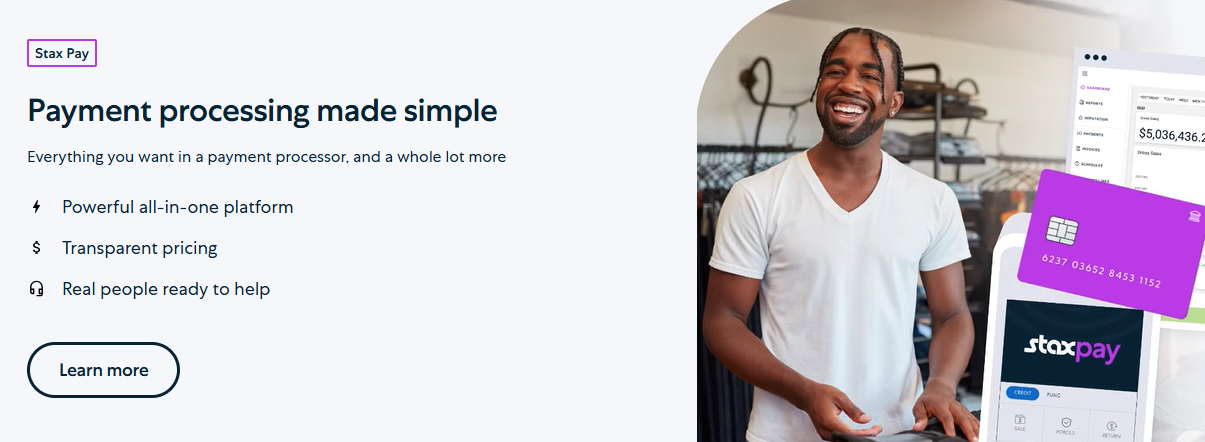
- Transparent pricing
- Can be cheaper than many competitors, depending on processing volume
- Offers phone support
Cons
- May be too expensive for the smallest businesses
- Not appropriate for many high-risk merchants
- Fewer integrations than some competitors
Which Square Payment Alternative is Best for Ecommerce?
If you’re searching for the best alternative to Square for your online business, the good news is that there are plenty of competing processors that may have more favorable pricing and are better tailored to ecommerce in general.
Stripe and PayPal are logical starting points for many. They both use predictable, flat-rate pricing, and you can get up and running quickly. However, at higher volumes, custom or interchange-plus pricing may be cheaper.
Luqra has custom “meet or beat” rates, and it’s also friendlier to scaling businesses and those in traditionally high-risk verticals. Helcim is a strong interchange-plus alternative with volume discounts, and Stax’s use of a subscription model in conjunction with interchange-plus may cut costs as well.
When deciding between payment processors, the best choice for you ultimately comes down to your business’s unique needs and preferences.