If your inbox has become a source of low-grade dread, you’ve probably gone looking for something to solve the problem, and SaneBox might have come up on the list of possible fixes. It’s one of the more established, better-reviewed email tools around.
The pitch is simple. It sorts your incoming mail so the important stuff stays front and center and everything else gets out of your way. There’s no new app to learn and no switching away from your current email provider, as Sanebox works across Gmail, Outlook, and many other providers.
The question isn’t whether it works. By most accounts, it does. The question is whether it’s worth the money and the setup for someone like you, a founder with a hundred urgent things on your plate. It costs a monthly fee, it needs pretty broad access to your mailbox, and it asks for a week or two of patience before it earns its keep. Those are real tradeoffs, and whether they pay off depends entirely on what your inbox looks like and how you like to work.
Here’s what SaneBox actually does, what it costs, what it asks of you, who should buy it, and who it’s not a good fit for.
SaneBox’s Core Features
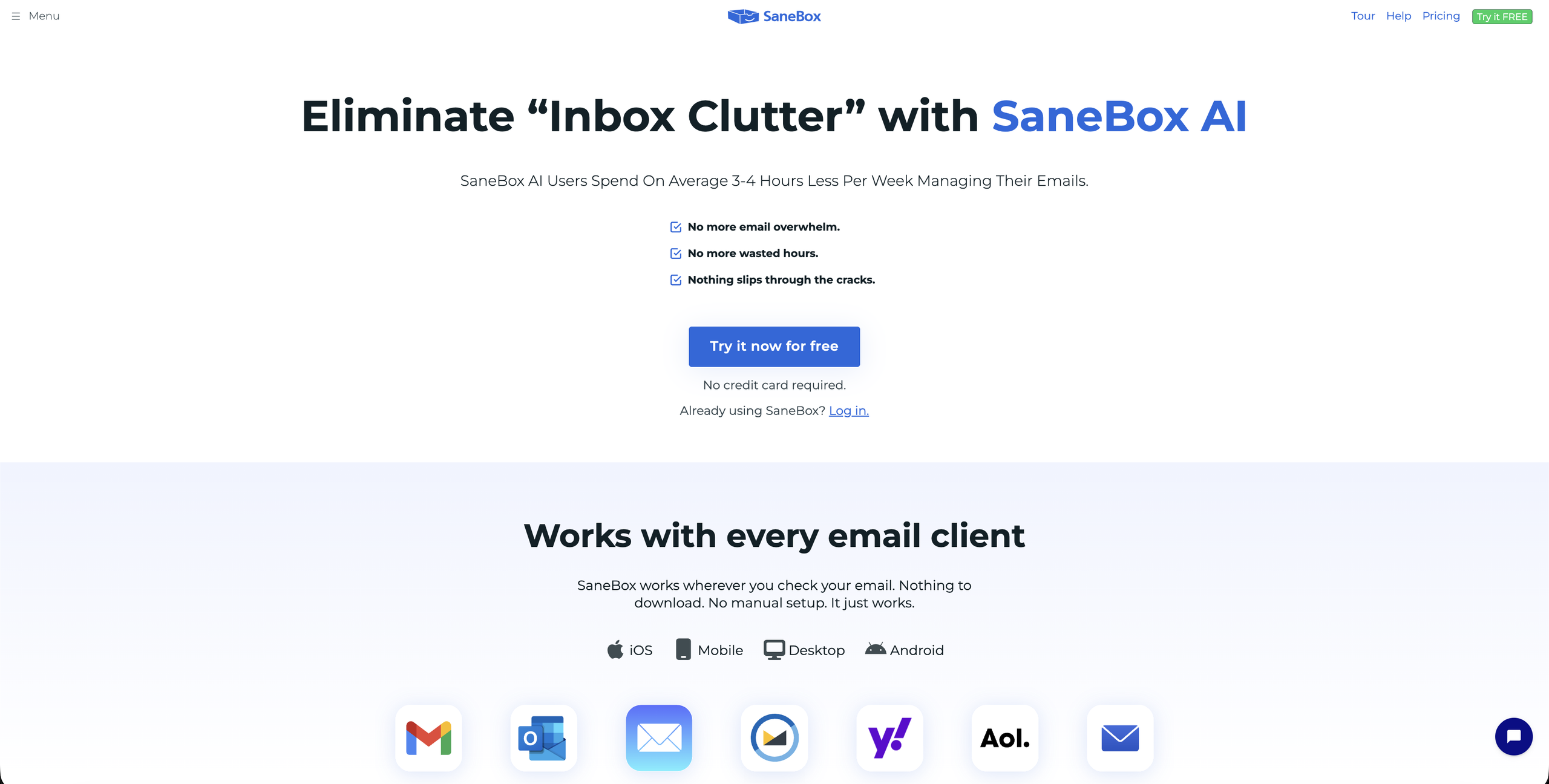
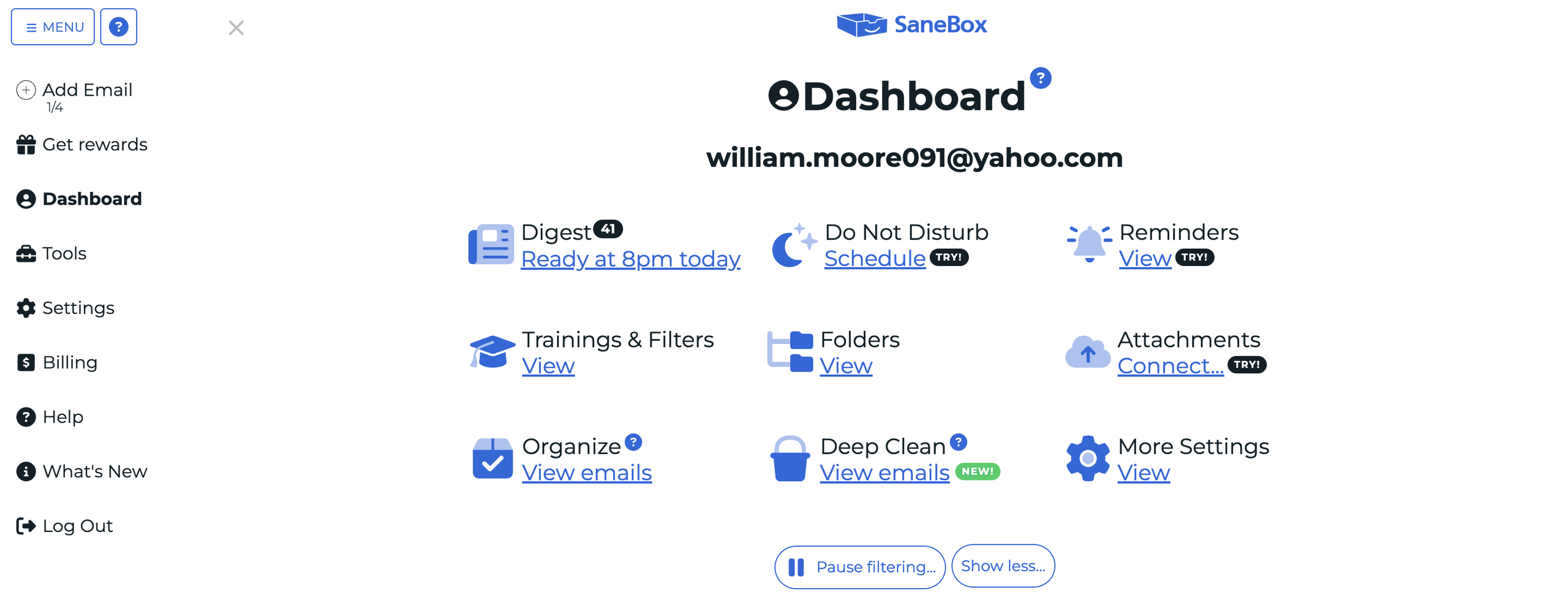
The core idea behind SaneBox is triage. It intercepts incoming mail and quietly sorts the noise away from the stuff you actually need to see. A handful of features do the work:
- SaneLater — the flagship. It learns which senders you actually engage with and routes the rest to a separate folder you review on your own schedule.
- SaneBlackHole — drag a sender into this folder and you will never see them again; their mail is deleted at the server before it reaches you. Reviewers consistently call this the most satisfying and useful feature in the whole tool.
- SaneNoReplies — oversight of all your sent messages that haven’t received replies yet, so you can keep an eye on them and follow up as needed.
- Daily Digest — You get one summary email of everything SaneBox filtered, so a single check replaces a dozen separate dips into your inbox.
- SaneReminders — BCC something like “3days@sanebox.com” on an outgoing message and it resurfaces the thread if you don’t get a reply.
- The extras — Do Not Disturb, snooze, attachment-to-cloud (Dropbox, Drive, OneDrive), and custom folders round out SaneBox’s suite of tools.
Is it Safe to Connect Your Inbox to SaneBox?
This is the part that gives a lot of people pause, and understandably so. Handing a third-party tool access to your email could feel like a bigger deal than saving a few hours a week, especially if your inbox holds anything sensitive. It’s worth taking seriously before you sign up.
Security concerns made me hesitate when I was doing my testing, but the reassuring part about SaneBox is that it only looks at your email headers, meaning the sender, subject line, and timestamp. It never reads the body of your messages, and it says it doesn’t store your mail. The connection runs through OAuth, so you’re not handing over your password, and everything moves over an encrypted connection.
Independent reviewers tend to single SaneBox out as unusually privacy-conscious, and they’re right that it’s a meaningfully lighter footprint than tools that ingest your full message content.
That said, SaneBox still needs server-level access to move mail around your account, and for some people that’s a line they won’t cross no matter how limited the data collection is.
SaneBox is more privacy-conscious than most inbox tools, but it still asks for a level of access that some founders will decide isn’t worth it. Neither of those cancels the other out, and where you land depends on how you weigh convenience against control.
What SaneBox Costs
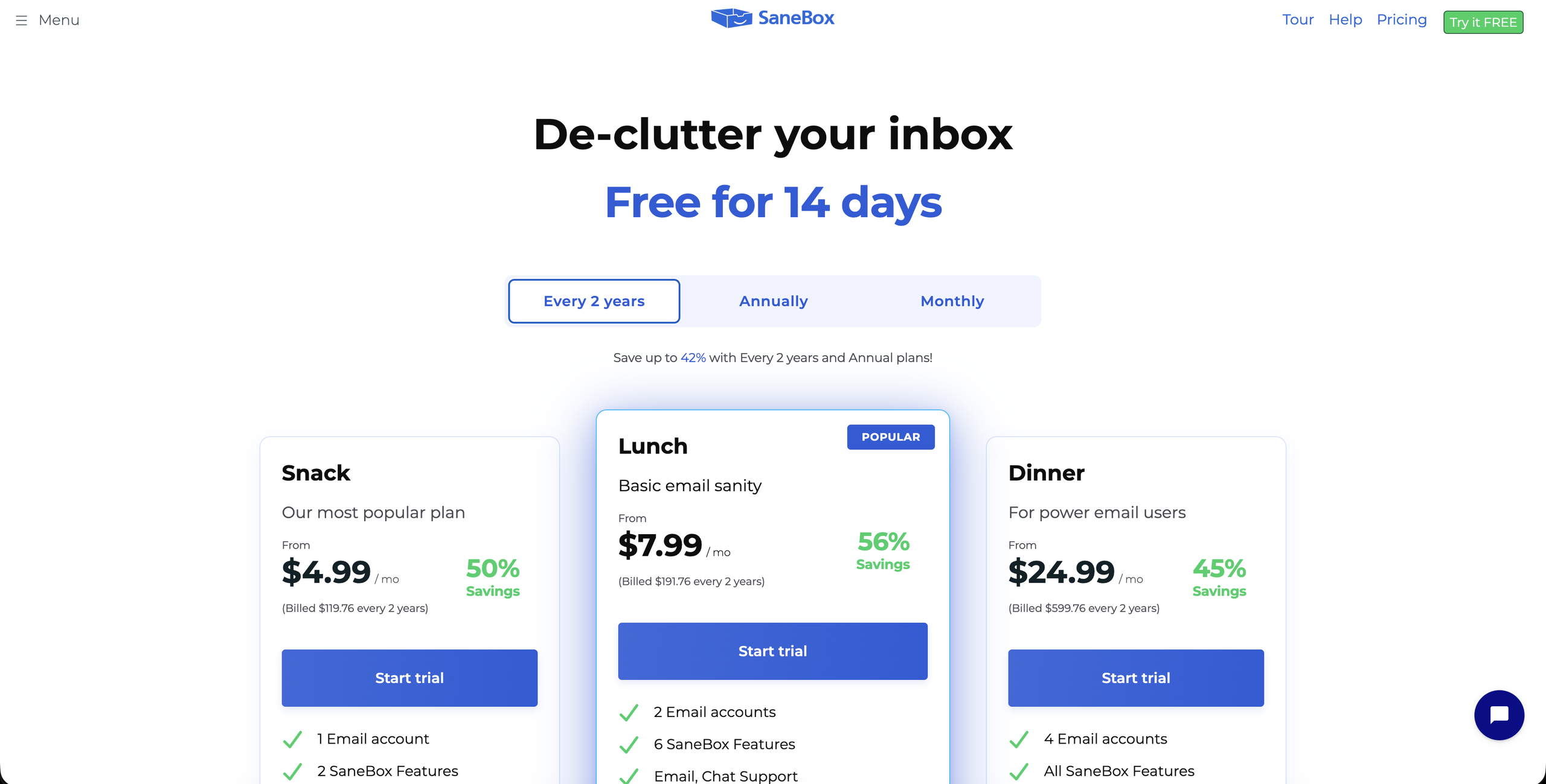
SaneBox comes in three tiers, and the tiers have food-themed names. Snack starts at $9.49 a month, Lunch at $15.99, and Dinner at $42.99, though those are the monthly billing prices. Commit to annual or 2-year billing and you can save up to 42%.
What separates the tiers is mostly how many email accounts you’re covering and the features you get access to. Snack covers one account, Lunch covers two, and Dinner covers four and includes everything SaneBox offers.
A founder with a single work address is probably fine on Snack. Anyone juggling a personal inbox, a company address, and a couple of project accounts will probably need Dinner whether they want the top-tier features or not, which is worth knowing before you assume you’ll land on the cheap plan.
There’s a 7-day free trial with no credit card required, so you can see how it handles your actual mail before paying anything (but keep in mind you’ll need to give SaneBox access to your email for the trial to work.)
SaneBox also doesn’t offer a free tier. Once the trial ends, you’re on a paid plan or you’re out, which is one of the more common complaints about the tool, and something to factor in if you were hoping for a permanent no-cost option.
Where SaneBox Shines
The core function works, and works well. Once you’re done with the training period, it sorts accurately. That’s not just the company’s claim, it’s reflected in the reviews. SaneBox holds a 4.8 rating across G2, Trustpilot, and Capterra, which is rare consistency for a tool that’s been around long enough to accumulate plenty of critics. People who stick with it tend to really like it.
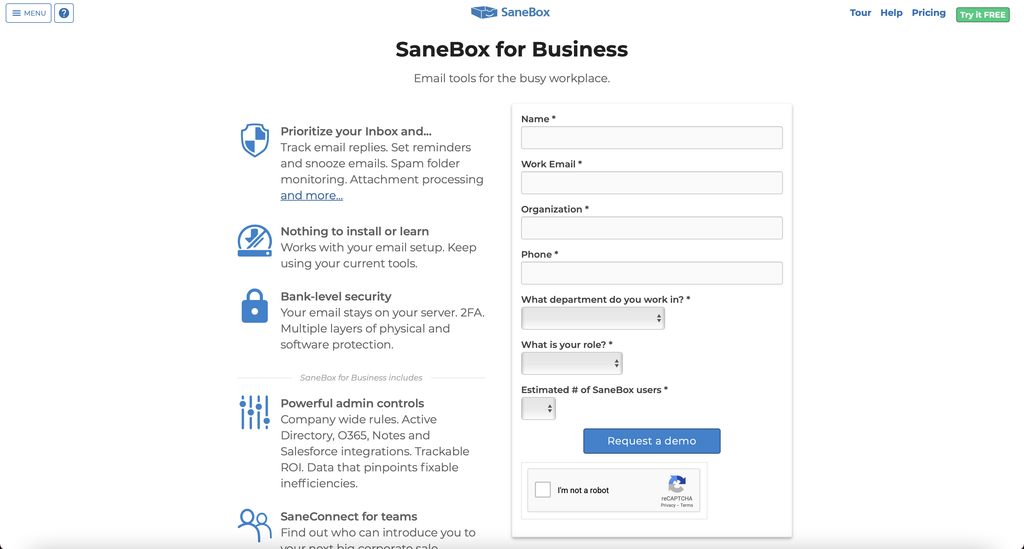
Part of why people like it is that it doesn’t ask you to change how you work. SaneBox sits on top of whatever email app you already use, so there’s no new interface to learn and nothing to install. That means users on providers like Gmail and Outlook can stay with their trusted names. And if you’re on Fastmail, iCloud, or a custom domain without much built-in filtering, SaneBox brings smart triage to a setup that otherwise wouldn’t have it.
A couple of its features also solve problems that native email doesn’t. BlackHole is the standout, being able to make a sender disappear forever with one drag is the kind of thing you didn’t know you needed until you have it. The follow-up reminders are similarly practical, quietly nudging you about emails that never got a reply.
Their privacy model earns a spot here too. In a category where most tools want to read everything, SaneBox looking only at headers is a real point in its favor.
Where it Might Fall Short
Some of the most useful features are only available on the higher plans. If the per-account math pushes you to Dinner, you’re paying a substantial amount every month for what is, in the end, an email sorter. Whether that stings depends entirely on how much your time is worth to you, but some reviewers feel it’s priced high for what it does.
SaneBox also primarily filters. It won’t draft replies, summarize long threads, or pull action items out of your messages the way the newer generative-AI email tools are starting to. In 2026 that’s an increasingly noticeable gap, and if you were hoping for an assistant that actually helps you process email rather than just organize it, this isn’t that. It sorts. You still do the work.
The last thing to know is that it isn’t quite plug-and-play. SaneBox needs a week or two of training to become accurate, and that means paying careful attention early on, dragging misfiled emails where they belong so it learns your patterns. The people who bounce off SaneBox usually skip that step, get burned when something important lands in SaneLater unnoticed, and quit rather than retrain it. It rewards a little patience up front if you have the time for that.
Are You the Perfect SaneBox Customer?
SaneBox makes the most sense for people whose email volume has outgrown their ability to manage it manually or with their own filters. Founders, executives, consultants, agency owners, anyone opening their inbox to a few hundred messages a day and wanting the noise sorted away without adopting a whole new app. If you already live in Gmail or Outlook and don’t want to leave, that’s exactly the point: SaneBox works with the tools you already use.
It’s an especially strong fit for people on providers that don’t have great built-in filtering. If you’re on Fastmail, iCloud, or a custom domain, you’ve probably watched Gmail and Outlook users enjoy smart features you don’t get. As such, a lot of its most loyal users come from these less-prevalent providers.
You could be a good fit it if you’re:
- Regularly drowning in email
- Losing valuable time to dealing with your email
- Consistently missing important messages because you can’t keep up with your email volume
- Needing some kind of pre-screen triage before you open your inbox
How Much Time Can You Actually Save?
SaneBox and its reviewers put the time savings at roughly 3 to 4 hours a week. Setup takes about five minutes, but plan on one to two weeks of training before it’s accurate, and know that the first day or two will feel rough while it learns your habits.
Weigh that against the cost, which is somewhere between $9 and $43 a month depending on your plan and billing, plus that onboarding week.
If you truly get a few hours back from SaneBox every week, this tool will pay for itself quickly. If your inbox is already manageable, the math gets a lot harder to justify.
Who Should Skip It
If you’re comfortable setting up Gmail filters and Priority Inbox (Gmail’s built-in importance sorting) yourself, you can replicate some of what SaneBox does for free. It takes an afternoon and some ongoing tinkering, and it won’t be as hands-off or as smart, but for some people, it’s close enough. SaneBox is partly paying someone else to skip that setup and maintenance, so if you actually enjoy that kind of thing, or just don’t want to pay to avoid it, you may have a free path.
You should also skip it if what you want is a free tool, full stop, since there isn’t a free tier. And give it a pass if what you really want is an AI assistant that drafts replies, summarizes threads, or pulls tasks out of your email, because SaneBox doesn’t do any of that.
The same applies if you happen to be in the group of folks who keep their inbox at or near zero by hand. If you’ve got the discipline and the volume that lets you stay on top of email yourself, SaneBox is solving a problem you don’t have. If that’s you, keep your money.
The Verdict: Is it Worth It?

SaneBox does one thing and does it well. It won’t reinvent your inbox or write your emails for you, but it reliably keeps the noise out of your way, and for the right person that’s genuinely valuable. The privacy model is better than most, it works with whatever email setup you already have, and once it’s trained it mostly runs itself.
Whether it’s worth it depends completely on whether or not your inbox is actually a problem. If you’re a founder losing real hours every week to email you can’t keep up with, SaneBox is an easy call. The time it buys back is worth far more than the subscription.
If you’re on an oddball email provider with no good native filtering, it’s an even easier one. But if you already have your inbox under control, or you want an AI that does more than sort, or you’d rather set up free filters yourself, you can pass without missing much.
SaneBox isn’t for everyone, and it doesn’t try to be. It’s a focused, well-made tool for people whose email has genuinely gotten away from them, and if that’s you, the free trial is a low-risk way to find out whether the difference is as noticeable as its fans say it is.